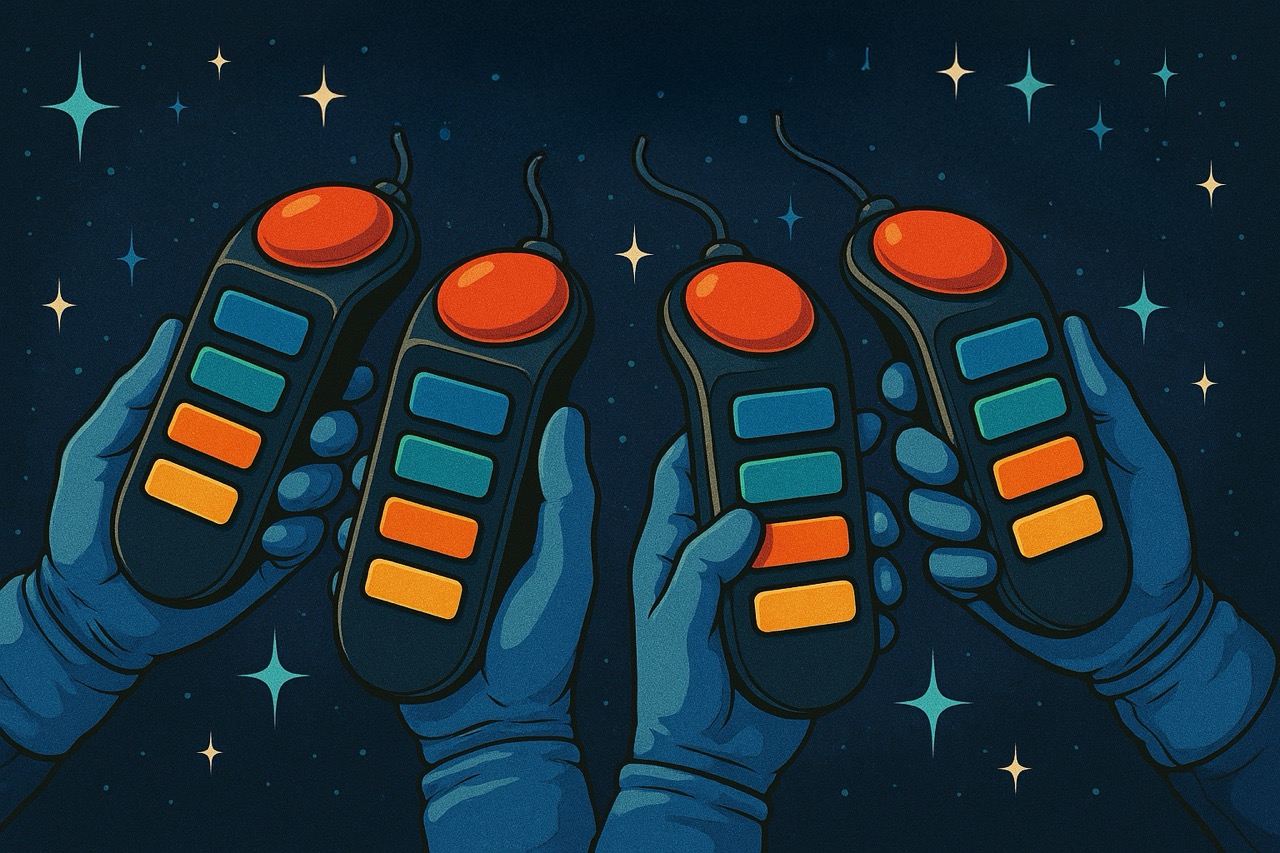
Christmas is the one time of year when grandparents, parents, teenagers and little ones are all in the same room with nothing urgent to do. A Christmas family quiz gives everyone something to do together, and real buzzers turn it from "shout the answer" chaos into a proper game show. If you have old PlayStation Buzz! controllers in a cupboard, this is their moment.
Below you'll find how to set it up, how to make teams that are fair for all ages, a ready-to-use 10-question Christmas round and a plan for the whole evening.
Why Buzzers Make a Family Quiz Better
- No more arguments about who was first: The screen shows exactly who buzzed, with their name.
- Little ones can join in: Pressing a big red button doesn't need reading skills, and several games need no questions at all.
- It feels like TV: Each buzzer gets its own sound, there's a 10-second answer clock and a live scoreboard.
- Nothing to install: It all runs in your web browser, so you can set up on the laptop in a few minutes.
What You Need
- A set of PS2 or PS3 Buzz! controllers, wired or wireless with the USB receiver. One set gives you 4 buzzers, so 4 players or 4 teams.
- A Windows or Mac laptop. Connect it to the TV with an HDMI cable so everyone can see the questions.
- Desktop Chrome, Edge or Opera. Safari, Firefox, phones and tablets can't connect to the controllers.
- Access to the game modes, which you can get from the pricing section. A monthly plan is enough if you only need it for the holidays.
Set Up in 10 Minutes
- Check the controllers first. Old controllers have been in a box for a while, so plug them in and try the free connection test a few days before Christmas. Click "Connect Buzz Controller", choose the Buzz device in the browser pop-up and press each button.
- Open the game modes with the access link from your email, go to Settings and connect the controllers.
- Name the teams. Festive team names add to the fun: "The Elves", "Team Rudolph", "The Snowballs" and "The Puddings".
- Pick a sound for each buzzer. The Animals pack is a hit with kids. The Memes pack has some sounds you may not want at the family table, so listen first.
- Type in your Christmas questions. Open Quiz Show, click Settings and add your questions (use the ones below to start). They're saved in this browser, so you can prepare them in advance on the same laptop.
Making Teams Fair for All Ages
- Mix the generations. Put one child, one teenager and one adult on each team, so every team has someone for every type of question.
- Kids hold the buzzer. The youngest player on each team is in charge of the button. They'll love it, and the team has to tell them when to press.
- Mix the difficulty. Write some questions that only kids will know (the latest films, songs from school) and some that only grandparents will know.
- More than 4 teams? One set has 4 buzzers, so play in heats: the first 4 teams play a round, then the next ones, and the winners meet in a final.
Ready-to-Use: 10 Christmas Quiz Questions
Type the questions into Quiz Show and keep the answers on a piece of paper. The app shows only the question, and it picks them in random order.
- Who wrote "A Christmas Carol"? (Charles Dickens)
- How many reindeer pull Santa's sleigh, including Rudolph? (Nine)
- What color is Rudolph's nose? (Red)
- In "The Twelve Days of Christmas", what is given on the first day? (A partridge in a pear tree)
- What do children hang up on Christmas Eve for Santa to fill? (A stocking)
- What color are the berries of mistletoe? (White)
- In which country did the tradition of decorating a Christmas tree begin? (Germany)
- What is the name of the red-leaved plant that's popular at Christmas? (Poinsettia)
- What is a baby reindeer called? (A calf)
- Which snowman comes to life in a famous Christmas song? (Frosty)
A Full Christmas Games Evening (About an Hour)
- Warm-up, 5 minutes: Button Masher. Everyone mashes their button as fast as they can. A great way to test the buzzers and wake up the room after dinner.
- Round 1, 15 minutes: Christmas Quiz Show. The 10 questions above. The first team to buzz has 10 seconds to answer. You click Correct or Incorrect.
- Break, 10 minutes: Musical Chairs with Christmas music. Upload your own Christmas songs in the Musical Chairs settings. Players buzz as soon as the music stops. The last to buzz is out, and buzzing while the music is still playing means you're out immediately. Choose manual control if you want to stop the music yourself.
- Round 2, 15 minutes: Family round. Clear the questions and add 10 about your own family: "In which year did Grandma and Grandpa get married?", "What did Dad get for Christmas last year?". These are often the funniest questions of the night.
- Finale, 5 minutes: Hot Potato. Pass the "Christmas pudding" by pressing your button before it explodes at a random moment. Last player standing wins the final prize.
Tips for a Relaxed Quiz
- Prepare the laptop before guests arrive. Connect to the TV, test the sound and open the Settings page.
- Read questions out loud. Not everyone can read the screen from the sofa, and younger kids can't read yet.
- Use a "no buzzing until I finish reading" rule. Lock out early buzzers with the Incorrect button.
- Small prizes help. Chocolate coins, a paper crown or the right to choose the next film.
- Keep it short. Two rounds and some party games is enough. Stop while everyone still wants more.
Hosting a birthday party in the new year? See our kids' birthday party games. For general quiz hosting tips, read the ultimate guide to running a home quiz show.
FAQs
- Do I need a PlayStation for the Buzz controllers? No. The controllers plug into the USB port of a laptop or computer and the games run in your web browser.
- How many people can play the Christmas quiz? One set has 4 buzzers. For bigger families, make 4 teams or play in heats.
- Can I show the quiz on the TV? Yes. Connect the laptop to the TV with an HDMI cable and the questions and scoreboard appear on the big screen.
- Does it work on an iPad or phone? No. Use a laptop or desktop computer with Chrome, Edge or Opera. Safari, Firefox, phones and tablets can't connect to the controllers.
- Can I play my own Christmas music? Yes. In Musical Chairs you can upload your own songs from your computer.